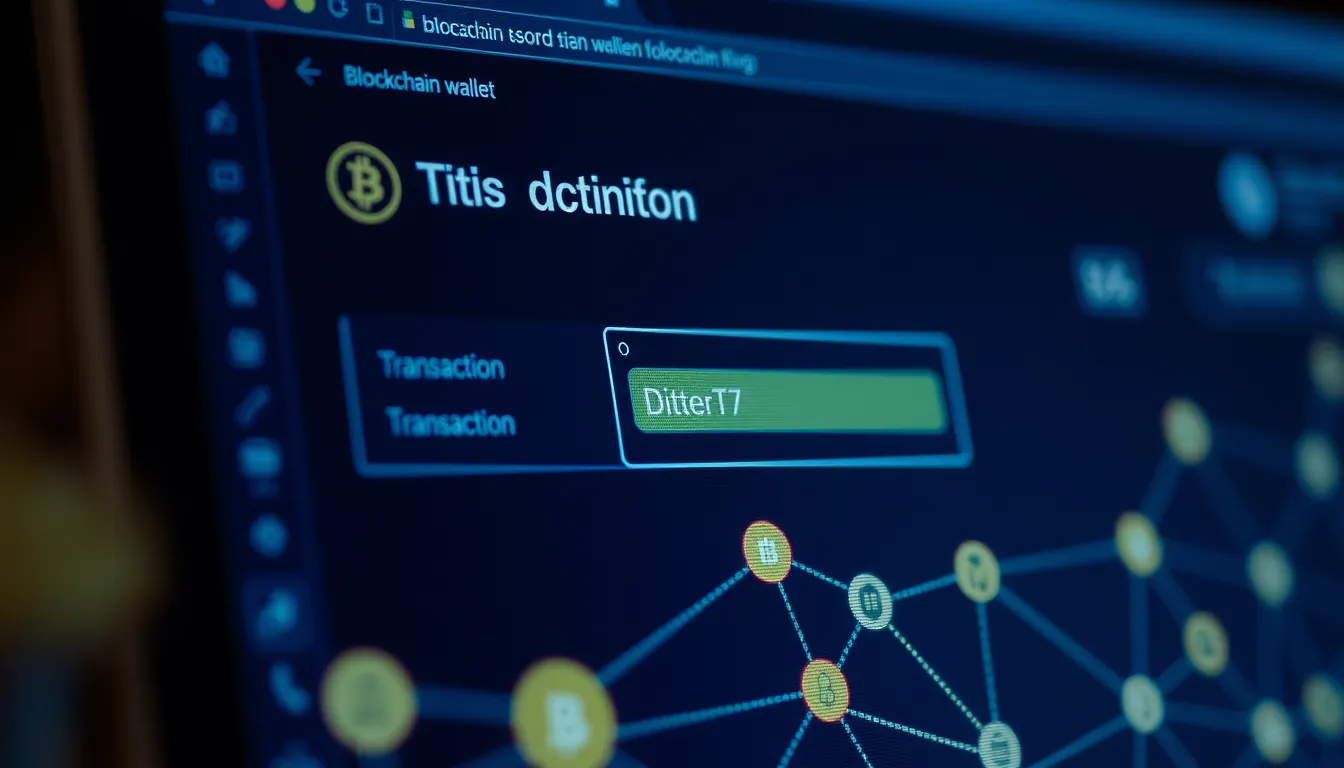
Step‑by‑step transaction process.
If you want to understand how blockchain transactions work in practice, this guide walks you through the exact steps to create, sign, and send a transaction using a standard wallet. You will learn how to prepare the transaction details, apply your digital signature, and broadcast it to the network. By the end, you will know how to monitor for confirmation and troubleshoot common errors. You need a funded wallet and a basic grasp of public addresses. This practical approach ensures you can confidently execute a transaction from start to finish, avoiding pitfalls like insufficient gas fees or incorrect nonces.
Break down the anatomy of a blockchain transaction
Before you populate any fields, understand what each component does within the network. A standard transaction is a structured packet of data that nodes validate before adding it to a block. Knowing these specific purposes prevents assembly errors that lead to rejected transactions.
Sender and Receiver are identified by public addresses. The sender address proves ownership of the funds, while the receiver address designates where the assets will land. Both are alphanumeric strings that must be accurate to the character.
Amount specifies the exact quantity of cryptocurrency to transfer. This value is deducted from the sender’s balance, separate from any fees. Precision is critical here, as blockchain transactions are irreversible once confirmed.
Nonce is a sequential number that prevents replay attacks. It ensures your wallet processes transactions in the correct order. If you submit a new transaction with the same nonce as a pending one, it may replace the previous one rather than queue behind it.
Gas fee compensates validators for processing your data. This cost depends on network demand and the computational complexity of the operation. Underestimating this field can leave your transaction stuck in the mempool indefinitely.
Data is an optional field used for smart contract interactions. For simple transfers, this field remains empty. For contract calls, it contains encoded instructions that dictate how the smart contract should execute logic.
Each field serves a distinct validation purpose. When you create a transaction, you are assembling these elements into a coherent instruction set. The network checks the digital signature against the sender’s public key, verifies the nonce sequence, and confirms sufficient gas coverage. Missing or incorrect data in any single field halts the entire process, resulting in a failed broadcast. Understanding these components allows you to diagnose issues early, such as why a transaction might fail due to a bad nonce or insufficient fees, before you consume resources on a doomed attempt.
Set up a secure wallet and fund it
Before creating a transaction, you need a secure Wallet to store your private keys and manage your funds. The quality of your setup directly impacts the security of your Digital signature and subsequent Broadcast.
First, choose a reputable non-custodial Wallet that supports the specific blockchain network you intend to use. Download the application from the official website or app store to avoid malicious software. During initialization, the Wallet generates a seed phrase, a unique sequence of words that acts as the master key to your assets. Write this seed phrase on physical paper. Never store it digitally in photos, cloud drives, or password managers. If your device is lost or compromised, this backup is the only way to recover your funds.
Next, secure your Wallet with a strong password. This password protects the local device, but it does not replace the need for the seed phrase. Once secured, you must fund the account. If you are new to the ecosystem, you will likely need to purchase cryptocurrency through an exchange and transfer it to your Wallet. To do this, copy your Public address from the Wallet’s receiving screen. Paste this address into the exchange’s withdrawal section and send a small test amount first.
Finally, verify the balance within your Wallet. Ensure the incoming transaction has received sufficient Confirmations on the network. Check that the balance reflects the expected amount minus any network fees. Only proceed to creating a new Transaction once you are certain the funds are available and the Wallet is stable. Skipping this verification step can lead to failed transactions due to insufficient balance or connectivity issues.
Create and sign the transaction step by step
Assemble transaction payload
- Define the recipient and value. Enter the recipient’s Public address and the exact amount to send. Expected result: The Wallet displays a preview of the transfer details.
- Assign a unique Nonce. Set the Nonce to the next available number for your account. This prevents replay attacks by ensuring each Transaction is processed only once. Expected result: The transaction data is uniquely identified for your specific Wallet history.
- Estimate the Gas fee. Calculate the Gas fee based on current network conditions and the complexity of the transfer. Expected result: You have a specific fee amount ready to include, ensuring miners or validators prioritize your request.
Review this assembled data carefully. A single character error in the Public address will send funds to the wrong destination, which is usually irreversible.
Apply the digital signature
- Sign with your private key. Use your Wallet’s secure signing function to generate a Digital signature over the assembled payload. This cryptographic proof confirms that only the owner of the corresponding Private key authorized the transfer. Expected result: The transaction is now cryptographically sealed and ready for network submission.
- Verify the signature integrity. Confirm that the Wallet has successfully generated the signature without errors. Expected result: The signed transaction is stored locally, awaiting the next step of broadcasting.
Never share your private key or seed phrase during this process. If a prompt asks for this information outside of your official Wallet interface, stop immediately. This is a common scam tactic. The Digital signature ensures the Transaction remains valid and authentic without exposing your secret credentials to the network.
Broadcast the signed transaction and monitor confirmation
With the Digital signature applied, the Transaction is ready for network propagation. You must now Broadcast it to the blockchain. This step submits your signed data to a node or API endpoint, making it visible to the network. Most Wallet interfaces handle this automatically, but understanding the mechanism helps when issues arise. Once submitted, the node relays your Transaction to peers. If the Gas fee is too low or the Nonce is invalid, the node may reject it before it enters the mempool.
To track progress, use the Transaction hash. This unique identifier allows you to check status via a block explorer. Initially, the Transaction will appear as "pending." It sits in the mempool, waiting for a miner or validator to include it in the next Block. The time this takes depends on network congestion and your specified Gas fee.
A Transaction is not final until it receives sufficient Confirmations. Each new Block added to the chain increases the confirmation count. One confirmation means the Transaction is in the latest Block. Additional Confirmations reduce the risk of reorganization. For small transfers, one or two Confirmations may suffice. For high-value transfers or automated systems, waiting for more Confirmations provides stronger security guarantees. Monitor the block explorer to see the exact status. Do not send another Transaction with the same Nonce until the first is confirmed or dropped. If the Transaction remains pending for an unusually long time, check if the Gas fee was set too low. You may need to replace it with a higher fee, a process often called "speed up." Always verify the final status in your Wallet to ensure the funds have arrived at the destination Public address.
Verify success and troubleshoot common mistakes
Once the pending timer ends, confirm the transaction’s final state directly within your Wallet interface. Look for a status indicator that explicitly marks the transaction as successful or failed. A successful status means the funds have permanently moved to the destination Public address. If the status shows failed, the network reverted the action, but you typically still pay the Gas fee for the attempted processing.
Check the transaction details for specific error messages or codes. These indicate why the network rejected the operation. Common issues include insufficient balance to cover the cost or a mismatch in the Nonce value.
If you encounter a "nonce too low" error, your Wallet likely tried to send a transaction with a sequence number lower than one already processed. This usually happens if a previous transaction is stuck or dropped. To fix this, use the Wallet’s "replace" or "edit" function to resubmit the transaction with the correct, incremented Nonce.
If the error cites insufficient funds, verify that your account holds enough native currency to cover both the transfer amount and the Gas fee. Sometimes, users forget that the fee is deducted separately from the amount being sent. Increase the available balance or reduce the transfer amount before retrying.
For persistent failures, check if the Gas fee was set below the current network minimum. If so, adjust the fee to the recommended level and resubmit. Always double-check the recipient Public address before signing any new transaction to prevent sending funds to an incorrect destination.
About the Author